CoinbaseEXAMPLE 01


Create a pause around a sensitive recovery action
Coinbase introduces a waiting period during account-access recovery. The delay is connected to a consequential action rather than added indiscriminately to ordinary browsing.
Slow people down when a mistake is costly.
01 / UNDERSTAND
An extra review, confirmation or deliberate input can help prevent an important error. The added effort should correspond to the risk and give people information that improves their decision.
An extra step can give someone time to understand a complex action, notice a risk or verify information. Friction can also be used to upsell or create an impression of effort, so examine whose goal it serves. The useful question is whether slowing down improves the person’s decision enough to justify the interruption.
02 / RECOGNISE
Examples of how the principle can appear in an interface.
Coinbase introduces a waiting period during account-access recovery. The delay is connected to a consequential action rather than added indiscriminately to ordinary browsing.
Mullvad prompts users to confirm that they have saved an account number. The extra interaction draws attention to information they may need for future access.
03 / CONNECT
Slowing an interaction can improve understanding or draw attention to a consequence. It can also cause abandonment, so the reason for extra effort must be defensible.
Possible influences to investigate, rather than guaranteed outcomes for every product.
04 / APPLY
Match friction to consequence
Explain the impact before commitment
Provide recovery when possible
05 / EXPLORE WITH UPSLIDE
Use a practical guide, read a deeper explanation, or examine a related Upslide project.

Use role and permission boundaries to decide where a deliberate confirmation is useful.

Check labels, feedback, disabled states and risky actions throughout a button’s state sequence.
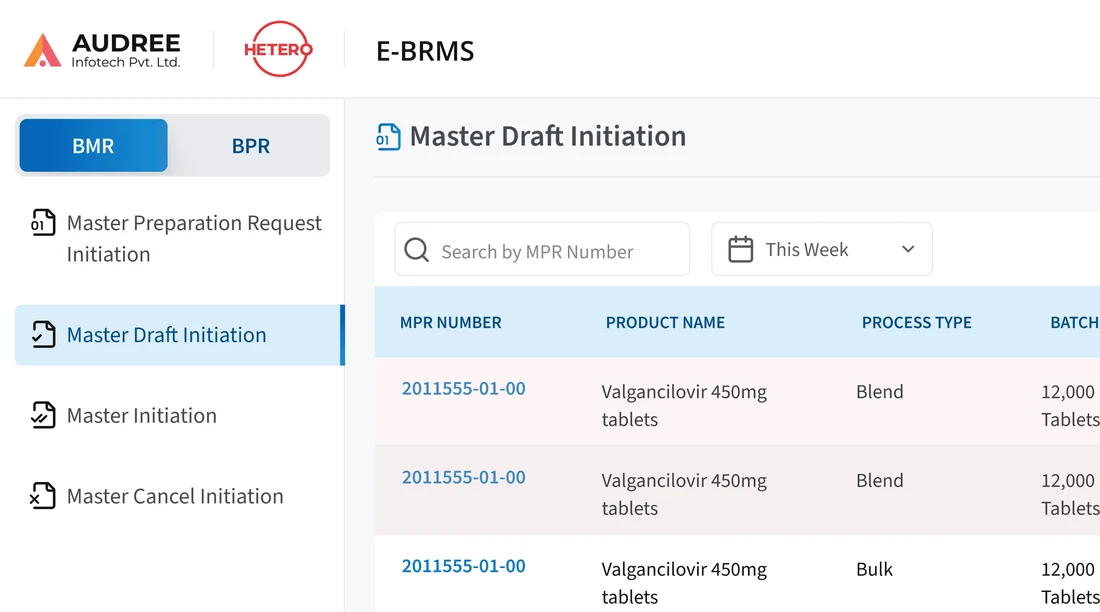
Review document creation, review and approval in an e-BRMS workflow.
CONNECT THE IDEAS
Keep exploring