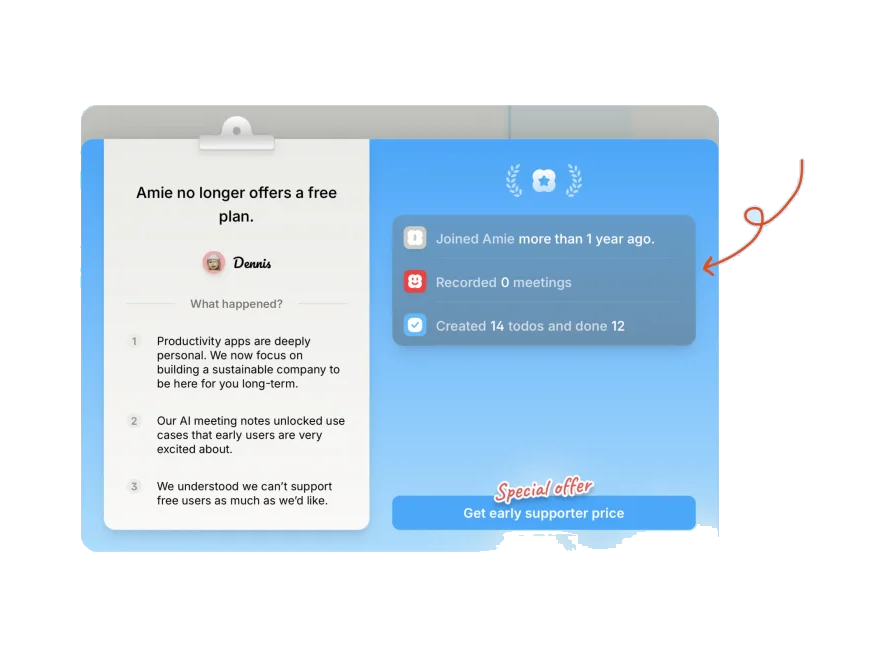
SlackEXAMPLE 01


Explain an unexpected shortcut result
Slack shows contextual help when a familiar shortcut behaves differently within its editor. The explanation addresses an expectation that has just become relevant.
Explain a behaviour when it becomes relevant.
01 / UNDERSTAND
Contextual teaching can explain something that has just happened, why it happened and what someone can do next. It is useful for occasional features that would be difficult to remember from a large introductory tour.
Reactive onboarding explains something after a relevant behaviour or result. It needs to say what happened, why it happened and what the person can do next. This suits capabilities people may not need to learn at signup. It should not rely on someone making a dangerous or irreversible error before receiving essential instruction.
02 / RECOGNISE
Examples of how the principle can appear in an interface.
Slack shows contextual help when a familiar shortcut behaves differently within its editor. The explanation addresses an expectation that has just become relevant.
Google suggests a more capable or precise instruction after a person expresses a related need. The guidance connects a feature to the task already underway.
03 / CONNECT
Teaching after a relevant event can improve understanding and help people use capabilities efficiently. Explain causes and consequences as well as the next action.
Possible influences to investigate, rather than guaranteed outcomes for every product.
04 / APPLY
Connect teaching to a relevant event
Explain cause and consequence
Provide a concrete next action
05 / EXPLORE WITH UPSLIDE
Use a practical guide, read a deeper explanation, or examine a related Upslide project.

Place guidance at the point in a mapped flow where people need to act.
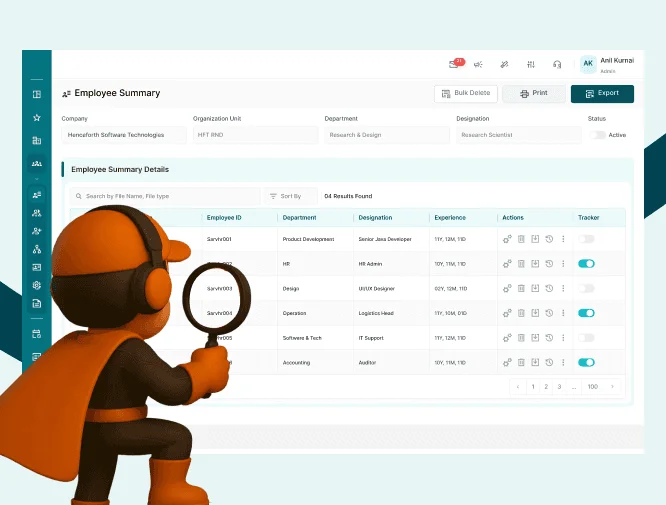
Follow employee, manager and administrator tasks to see where guidance and ownership are needed.
Review HRETE’s guided first-time setup and clearer routine actions.

CONNECT THE IDEAS
Keep exploring