FigmaEXAMPLE 01


Interpret a familiar input pattern
Figma recognises a separator-like page name and renders an appropriate divider. The system responds to what the user appears to be expressing rather than treating the text only literally.
People use previous patterns to interpret new information.
01 / UNDERSTAND
Recognisable structures help people predict what they are looking at and what will happen next. Consistent layouts and language can support this interpretation. New patterns need clear feedback and explanation.
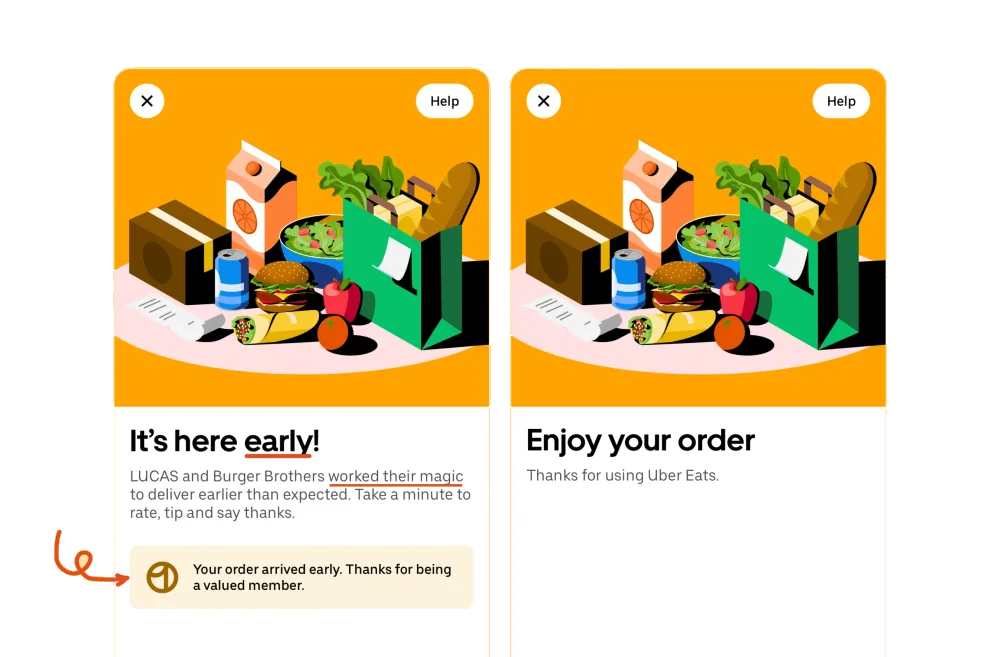
The shape and order of information provide shortcuts. A familiar list can look unchanged before someone rereads every word; reordering it breaks that pattern and demands another check. Consistent components help people move efficiently across screens. A deliberate pattern break can draw attention to a meaningful change, but should not create surprise without purpose.
02 / RECOGNISE
Examples of how the principle can appear in an interface.
Figma recognises a separator-like page name and renders an appropriate divider. The system responds to what the user appears to be expressing rather than treating the text only literally.
Figma’s duplicated items can follow an existing numbering pattern. A sensible next name removes repetitive work while leaving the result visible and editable.
03 / CONNECT
Consistent patterns can reduce effort and improve efficiency. A meaningful pattern break can attract attention; an arbitrary one can force unnecessary rechecking.
Possible influences to investigate, rather than guaranteed outcomes for every product.
04 / APPLY
Reuse a stable visual language
Keep meanings consistent
Explain unfamiliar states
05 / EXPLORE WITH UPSLIDE
Use a practical guide, read a deeper explanation, or examine a related Upslide project.

Use consistent signs and labels, then verify that people interpret them correctly.

Examine how tabs, checkboxes and other controls draw on familiar real-world patterns.
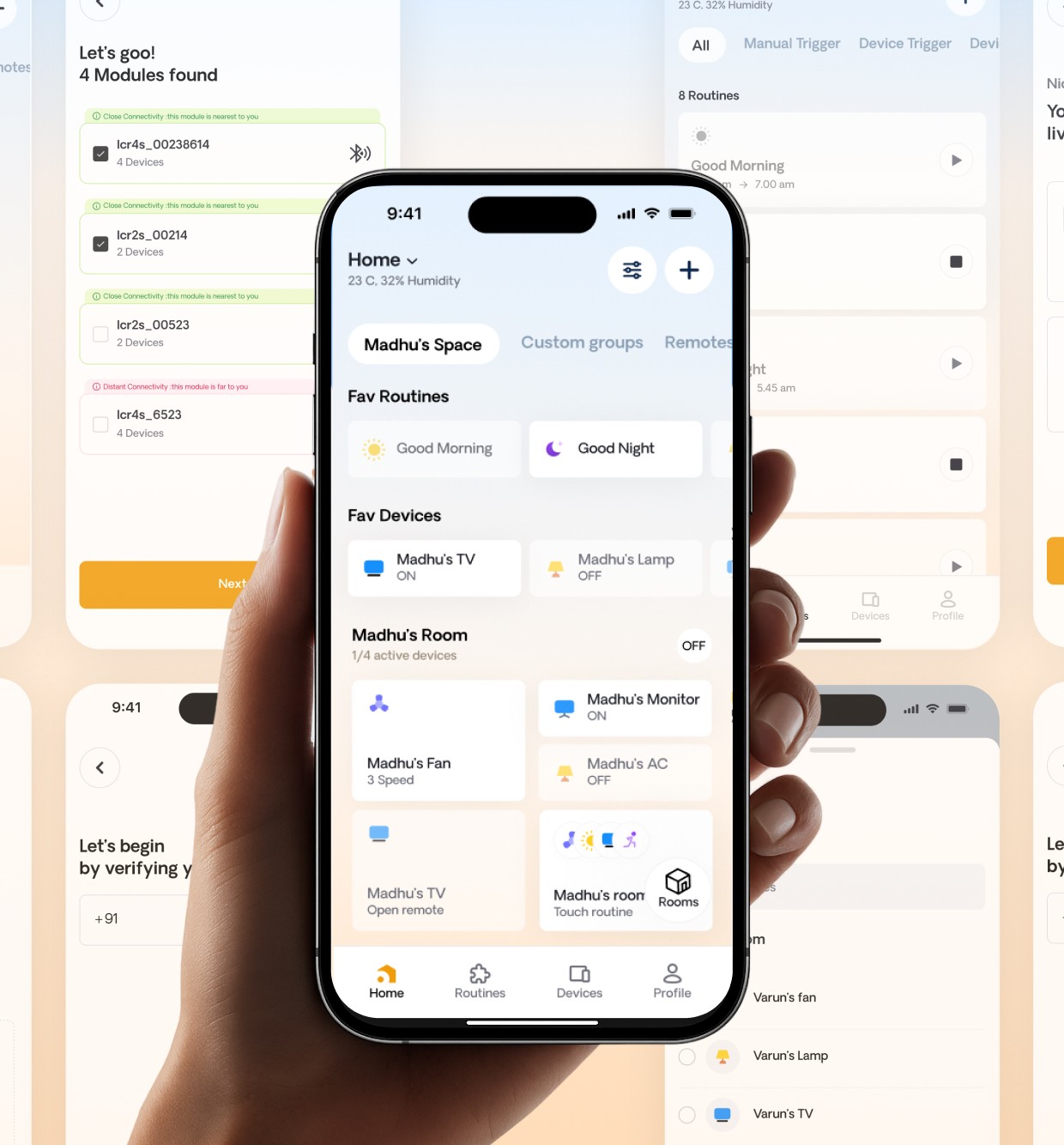
Explore how IoT Casa unified device controls and room navigation.
CONNECT THE IDEAS
Keep exploring