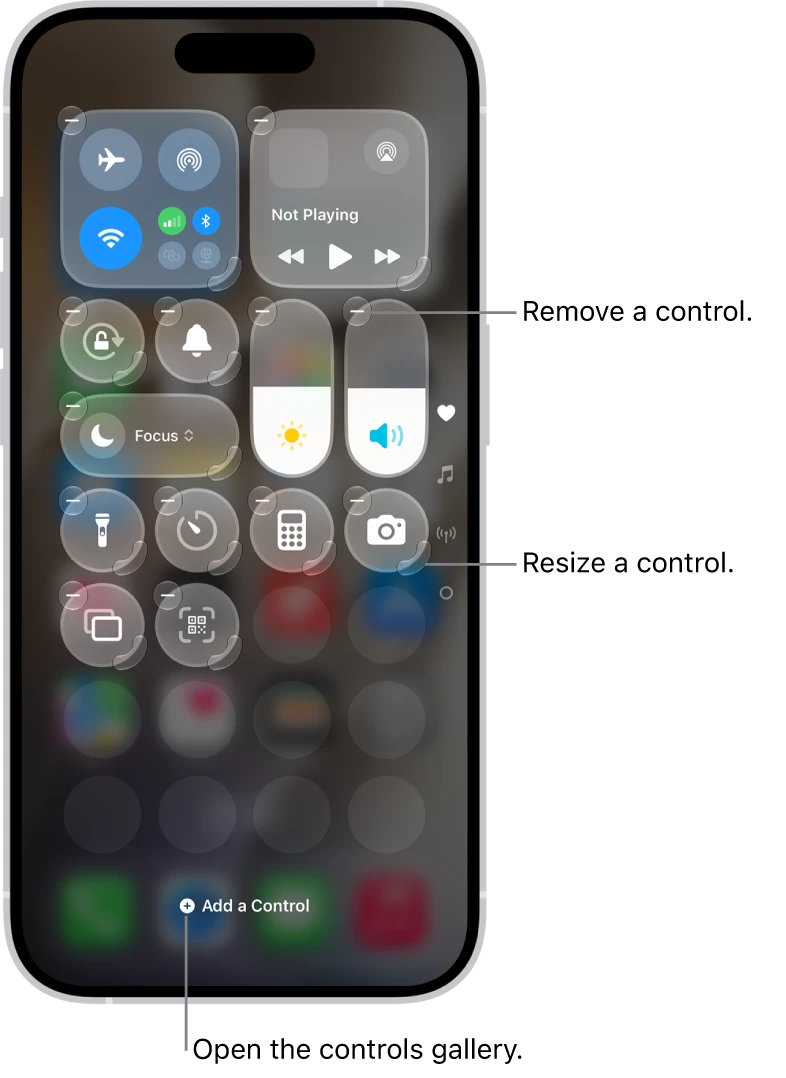
ArcEXAMPLE 01


Carry familiar settings into a new product
Arc offers to import information from an existing browser. Preserving useful context can make a new environment feel less like starting over.
Known options can feel more comfortable.
01 / UNDERSTAND
Repeated exposure or prior experience may make an option feel easier to trust or choose. Familiarity can support learning, but it is not evidence of quality. Help people compare both known and new options fairly.
A familiar option can reduce uncertainty and be quicker to interpret. Familiarity can come from prior use of the product, similar products or recognisable reference points. This can make switching easier and help people describe the product to others. Familiarity is useful context, not evidence that an option is objectively better.
02 / RECOGNISE
Examples of how the principle can appear in an interface.
Arc offers to import information from an existing browser. Preserving useful context can make a new environment feel less like starting over.
Notion changes the action label for a previously used template. The wording distinguishes a first use from adding another instance of something familiar.
How familiar layouts and keyboard shortcuts can lower the effort of switching products.
03 / CONNECT
Recognisable structures can support faster interpretation, easier switching and clearer recommendations. Familiarity should help understanding without preventing better alternatives from being considered.
Possible influences to investigate, rather than guaranteed outcomes for every product.
04 / APPLY
Keep comparisons consistent
Explain unfamiliar options
Preserve a clear route back
05 / EXPLORE WITH UPSLIDE
Use a practical guide, read a deeper explanation, or examine a related Upslide project.
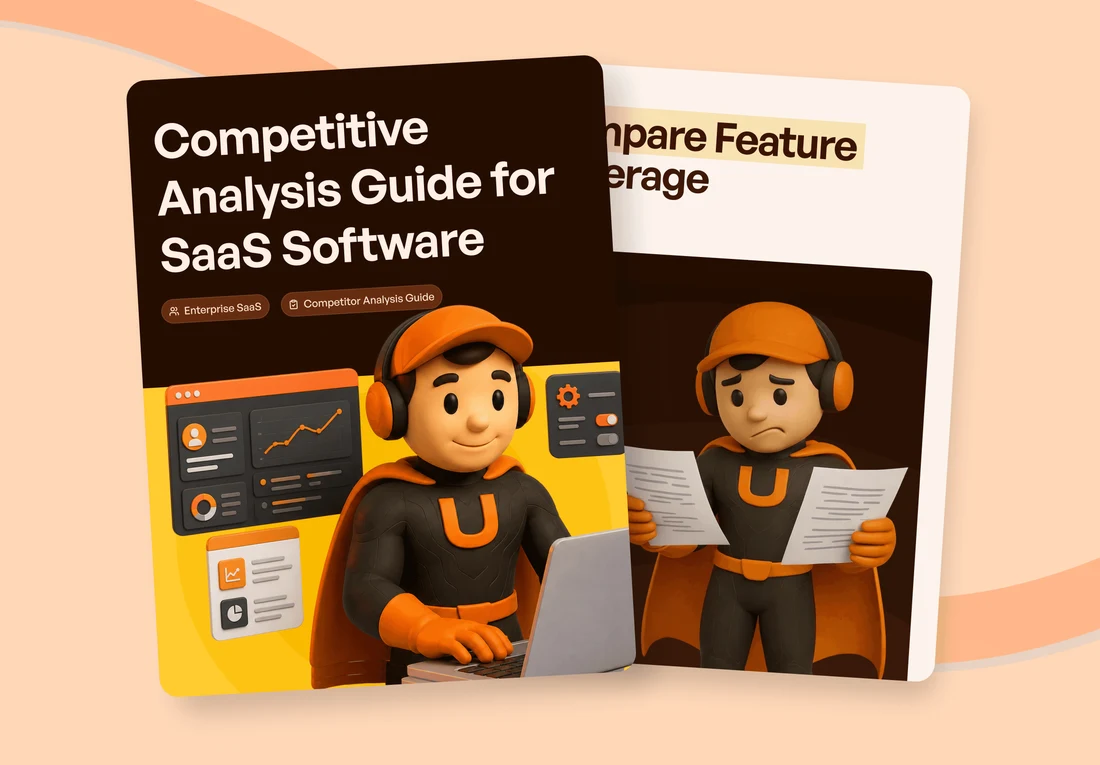
Use familiar patterns as hypotheses to compare, then validate them with the intended roles.
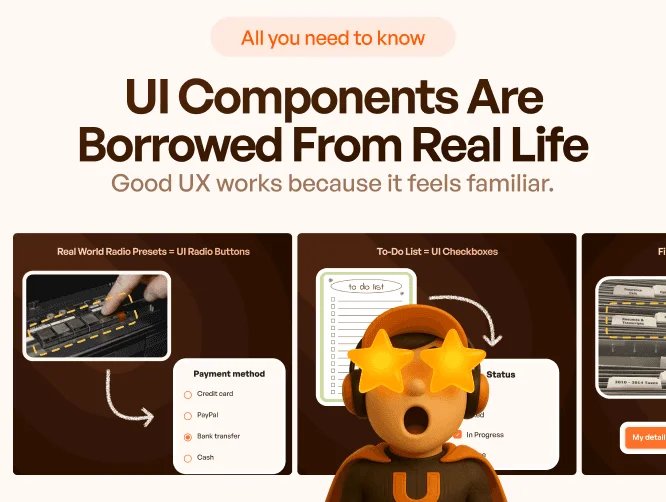
Examine how tabs, checkboxes and other controls draw on familiar real-world patterns.
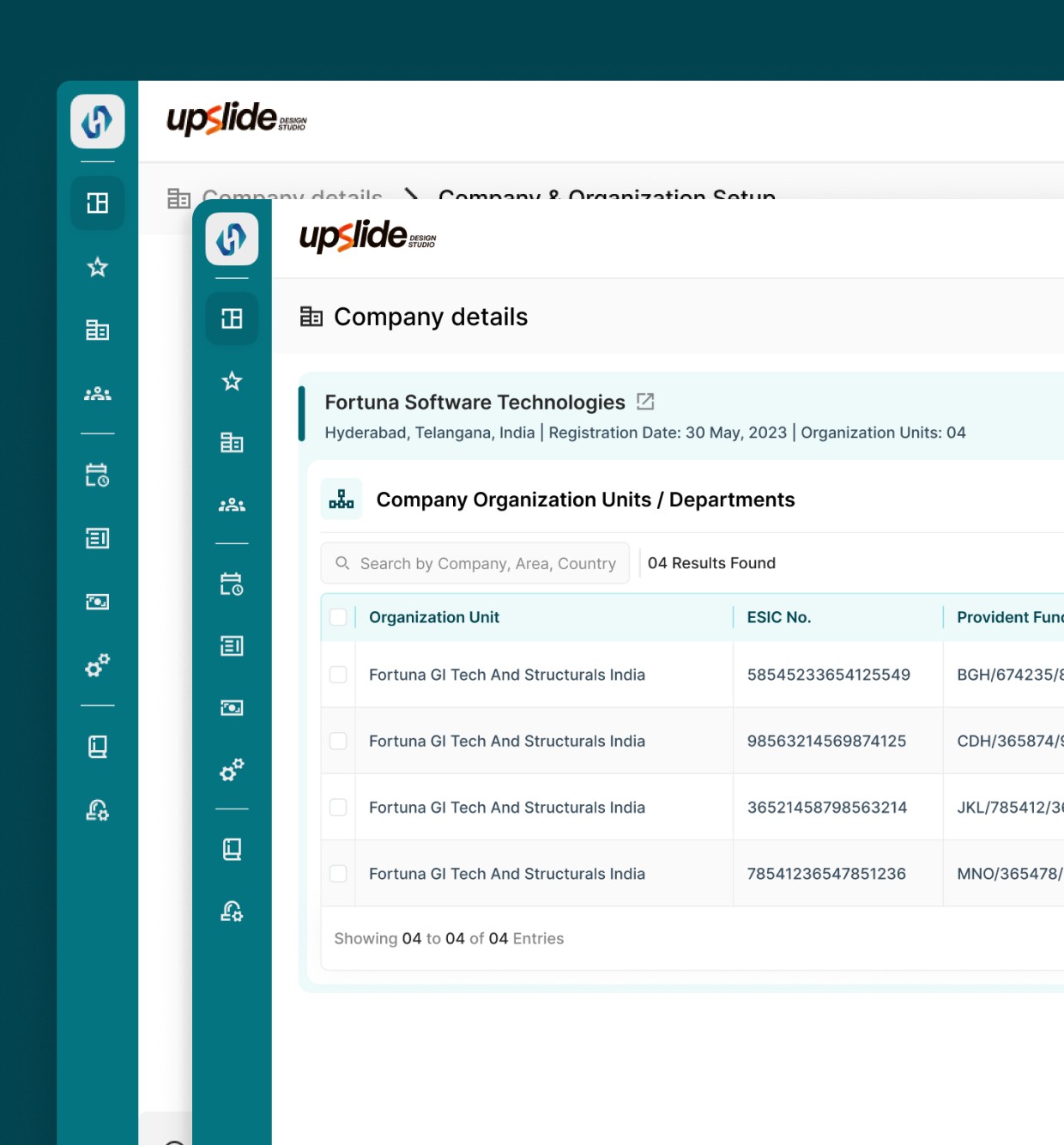
Review HRETE’s inconsistent navigation and the effort to make routine work clearer.
CONNECT THE IDEAS
Keep exploring