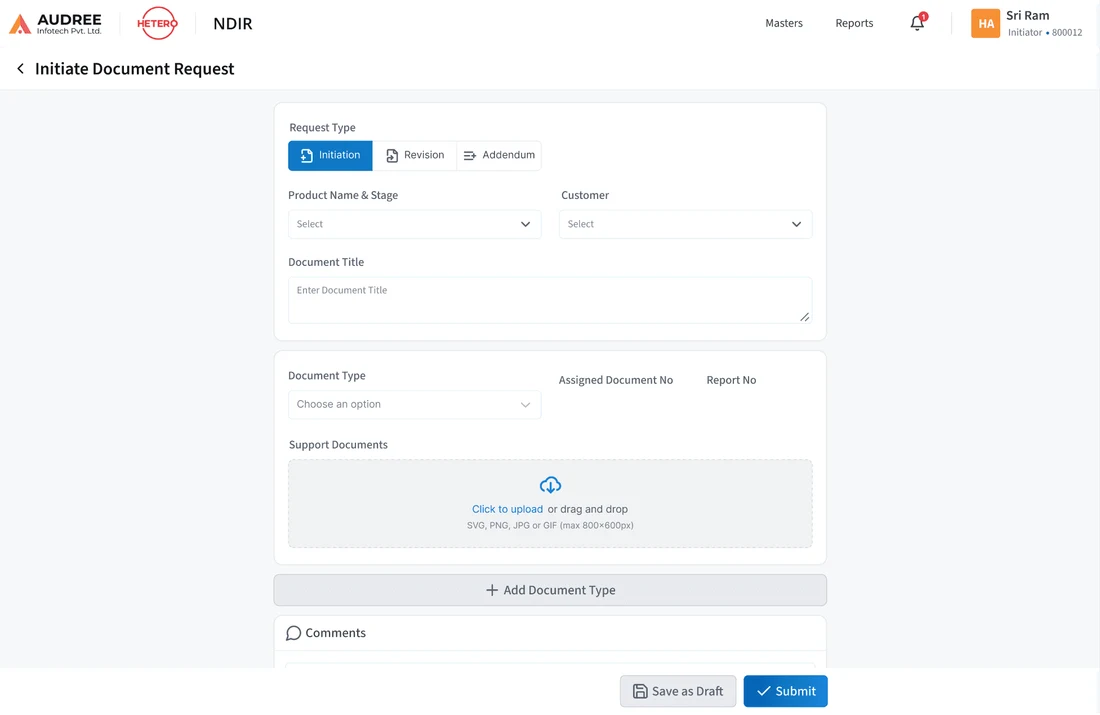
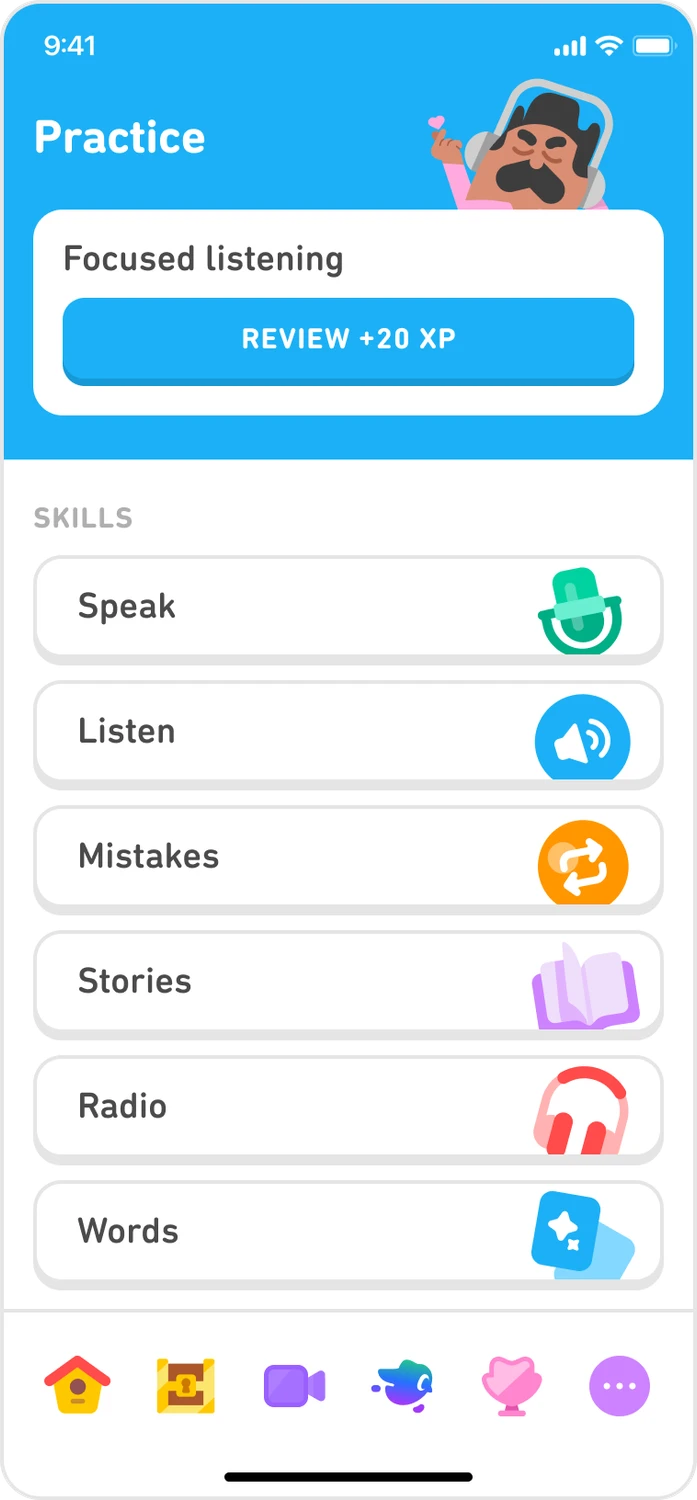
Elements positioned close to one another tend to be read as related. Wider gaps can separate groups without drawing a container around them. This makes spacing a meaningful part of the interface rather than leftover space after content is placed.
Begin with the relationships the task requires. A label should be visually closer to the value or field it describes than to a competing one. A heading should stay close enough to its content that the association remains clear. Preserve those relationships when text wraps, error messages appear or the layout changes size. Screen-reader order and semantic markup still matter: a convincing visual grouping cannot correct a reading order that says something different.
02 / RECOGNISE
See it in real products.
Examples of how the principle can appear in an interface.
Keep track information close to the artwork it describes
Apple Music’s Now Playing screen places the song title and artist together below the artwork. Playback controls form another nearby cluster below them. The spacing helps separate information about the current track from actions performed on it, while preserving their relationship within one screen.
Slack’s published Home walkthrough puts channel names close to their heading, then separates direct messages into another group. The spacing helps communicate which heading each item belongs to. Check the same relationships with long names and a larger list.
Useful spacing can reduce mistaken associations between labels, values and actions. Ask people which information belongs together and check their interpretation at mobile widths.
Possible influences to investigate, rather than guaranteed outcomes for every product.
04 / APPLY
Put it into practice.
01
Use smaller gaps within a group than between groups
02
Keep labels and supporting text beside their subject
03
Check grouping when content wraps or changes size
05 / EXPLORE WITH UPSLIDE
Apply it with Upslide.
Use a practical guide, read a deeper explanation, or examine a related Upslide project.