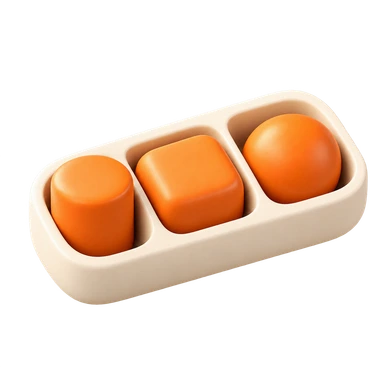
Items enclosed by the same area are likely to be perceived as belonging together. A card, outlined section or background panel can establish this relationship even when the items inside differ in appearance. The boundary becomes part of how readers interpret the information.
Use a container when its contents answer one coherent question or belong to one activity. Then give the region a useful label and enough internal structure to read. Check what falls outside it: a related action placed just beyond the edge may appear detached, while an unrelated action inside may seem to apply to the whole group. On small screens, preserve the semantic relationship rather than adding a separate decorative card around every element.
02 / RECOGNISE
See it in real products.
Examples of how the principle can appear in an interface.
FigJam sections surround related objects with a labelled region. Notes can vary in size and colour while still reading as part of the same activity because they share that enclosure. In a workshop, this helps distinguish where one exercise ends and the next begins without requiring every note to look identical.
Apple Weather presents the hourly forecast and the multi-day forecast in distinct panels. Each panel’s shared background gives its individual times, icons and temperatures a common scope. The boundary helps distinguish an hourly sequence from a different summary, rather than asking readers to infer the separation from identical text alone.
A coherent region may clarify which details and actions belong together. Test whether people can identify the scope of a section and predict what its controls affect.
Possible influences to investigate, rather than guaranteed outcomes for every product.
04 / APPLY
Put it into practice.
01
Enclose information that genuinely belongs to one task
02
Keep a group’s relevant actions within its boundary
03
Use headings and spacing inside the container
05 / EXPLORE WITH UPSLIDE
Apply it with Upslide.
Use a practical guide, read a deeper explanation, or examine a related Upslide project.