SlackEXAMPLE 01


Place a small positive surprise in a relevant moment
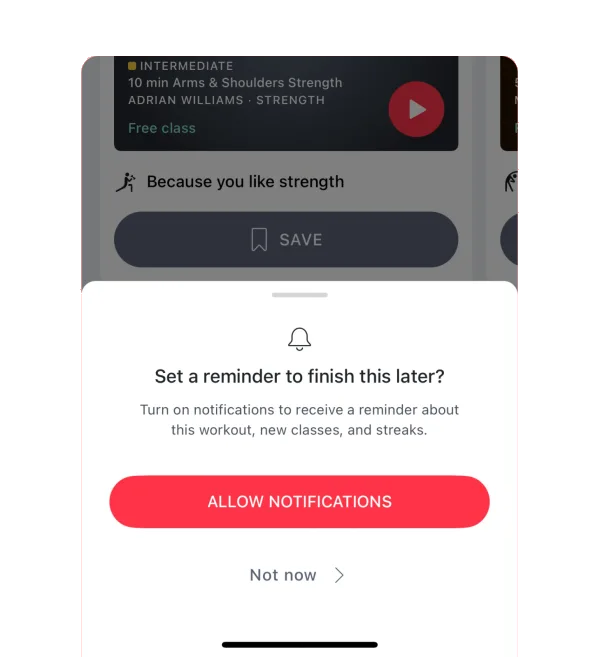
Slack offers a friendly detail when someone interacts with their own video tile. The delight is incidental to the call rather than an obstacle to joining it.
Small thoughtful details can make useful work feel better.
01 / UNDERSTAND
Delight can come from a timely shortcut, reassuring detail or pleasant response that fits the moment. It works best on top of dependable task completion. Different people enjoy different kinds of expression.
A small enjoyable detail can affect how an entire experience feels without adding a new functional capability. Tone, timing and context determine whether it feels thoughtful or gimmicky. A cheerful interaction in a casual tool may be inappropriate in a serious service. Keep essential task information clear and expressive details unobtrusive.
02 / RECOGNISE
Examples of how the principle can appear in an interface.
Slack offers a friendly detail when someone interacts with their own video tile. The delight is incidental to the call rather than an obstacle to joining it.
IKEA’s refresh interaction introduces product-related facts. It adds a moment of interest to an existing action instead of requiring a separate detour for entertainment.
Figma’s playful cursor reactions can add a memorable moment to a collaborative working session. The interaction supports a shared activity without becoming a prerequisite for completing the work.
03 / CONNECT
A small enjoyable moment can support positive memories and organic sharing. Tone and repetition matter; a charming detail can become irritating or inappropriate.
Possible influences to investigate, rather than guaranteed outcomes for every product.
04 / APPLY
Solve the main task first
Make expressive details optional
Match tone to the situation
05 / EXPLORE WITH UPSLIDE
Use a practical guide, read a deeper explanation, or examine a related Upslide project.

Explain how a small interaction supports the task when presenting a UI concept.
Review loading, saving and error-recovery states using practical SaaS microinteractions.
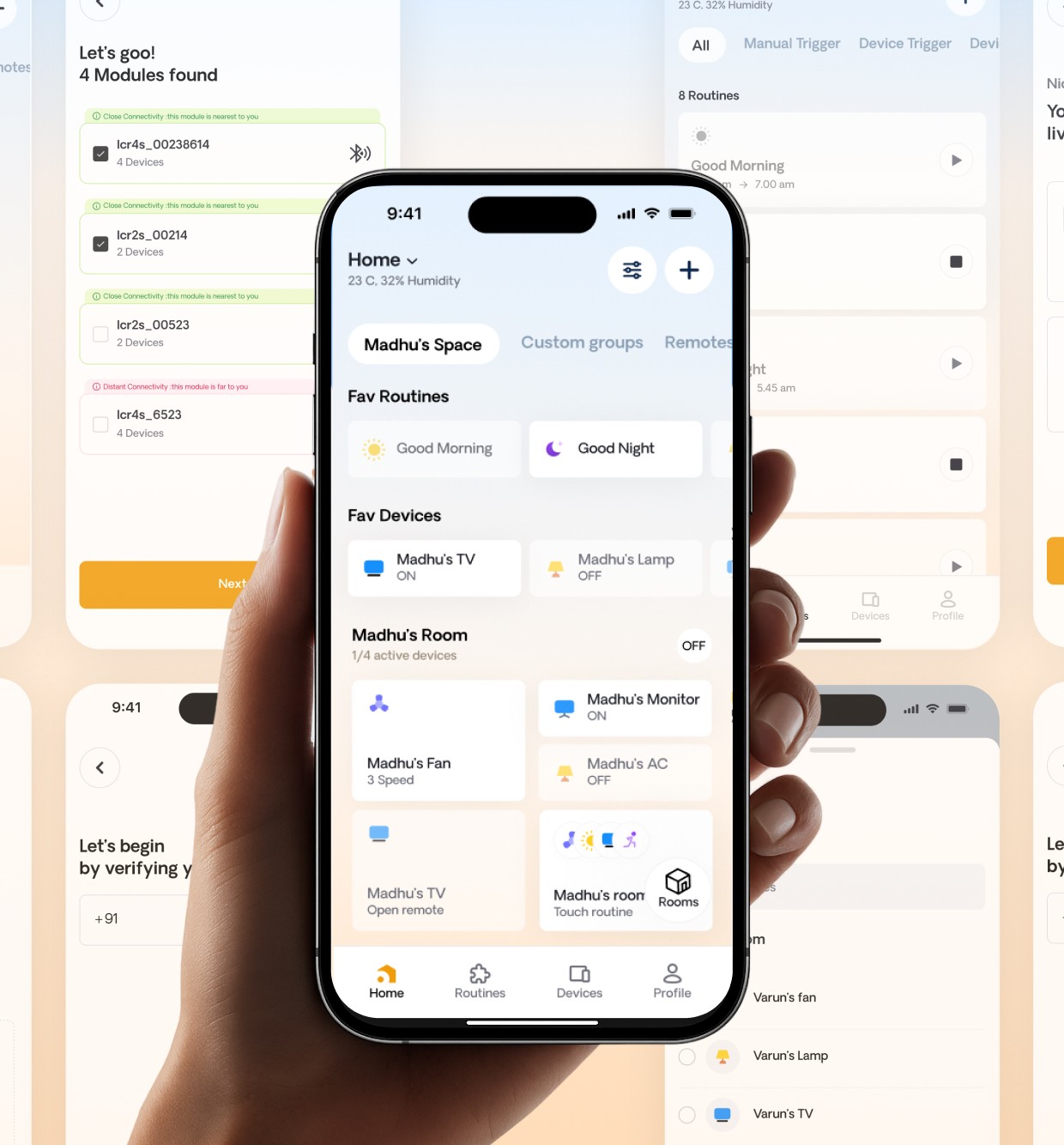
Explore how IoT Casa reduced everyday friction in device control.
CONNECT THE IDEAS
Keep exploring