YouTubeEXAMPLE 01


Prioritise information that supports a decision
YouTube can show titles and other video information before thumbnails finish loading. A slower image request need not prevent the reader from understanding the available content.
Keep feedback fast enough to sustain flow.
01 / UNDERSTAND
Responsive feedback helps people stay connected to an interaction. The commonly cited 400 ms threshold is a historical guideline, not a guarantee of engagement. Distinguish acknowledging an action from finishing a longer operation.
Rapid feedback helps an interaction feel continuous. The frequently quoted 400 ms figure is a historical interaction guideline, not an exact limit that predicts every user’s behaviour. When a task must take longer, distinguish immediate acknowledgement from eventual completion. Showing useful content early can reduce the cost of waiting.
02 / RECOGNISE
Examples of how the principle can appear in an interface.
YouTube can show titles and other video information before thumbnails finish loading. A slower image request need not prevent the reader from understanding the available content.
The illustrated ChatGPT feed loads further items during browsing. The underlying pattern is to anticipate a likely next action, while keeping loading status understandable.
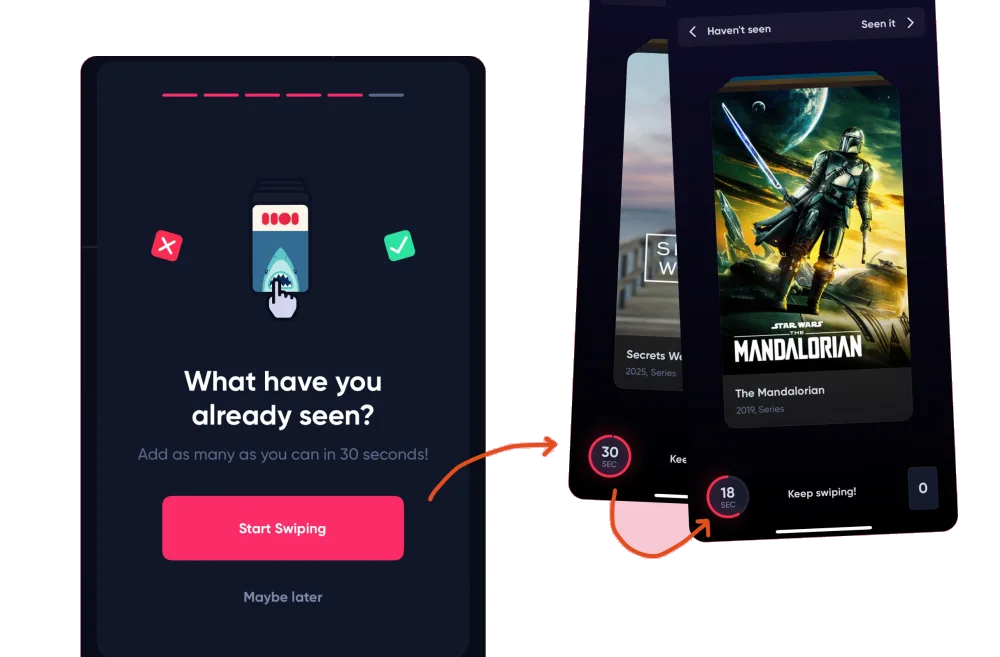
Duolingo’s loading experience prompts a discussion of perceived performance. An engaging wait still needs an honest indication of progress.
03 / CONNECT
Slow or unexplained responses can cause frustration and loss of interest. Acknowledgement and useful partial content can improve an unavoidable wait without inventing progress.
Possible influences to investigate, rather than guaranteed outcomes for every product.
04 / APPLY
Acknowledge input promptly
Keep the interface responsive
Show meaningful status for longer operations
05 / EXPLORE WITH UPSLIDE
Use a practical guide, read a deeper explanation, or examine a related Upslide project.

Audit feedback and waiting states within the complete task, including failures.
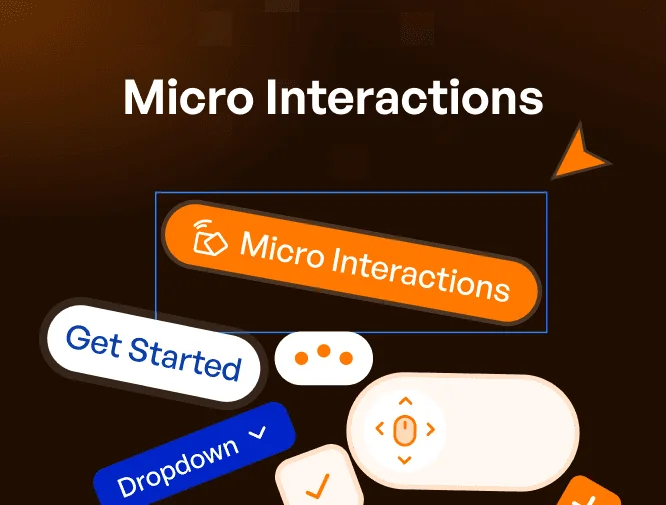
Review loading, saving and error-recovery states using practical SaaS microinteractions.
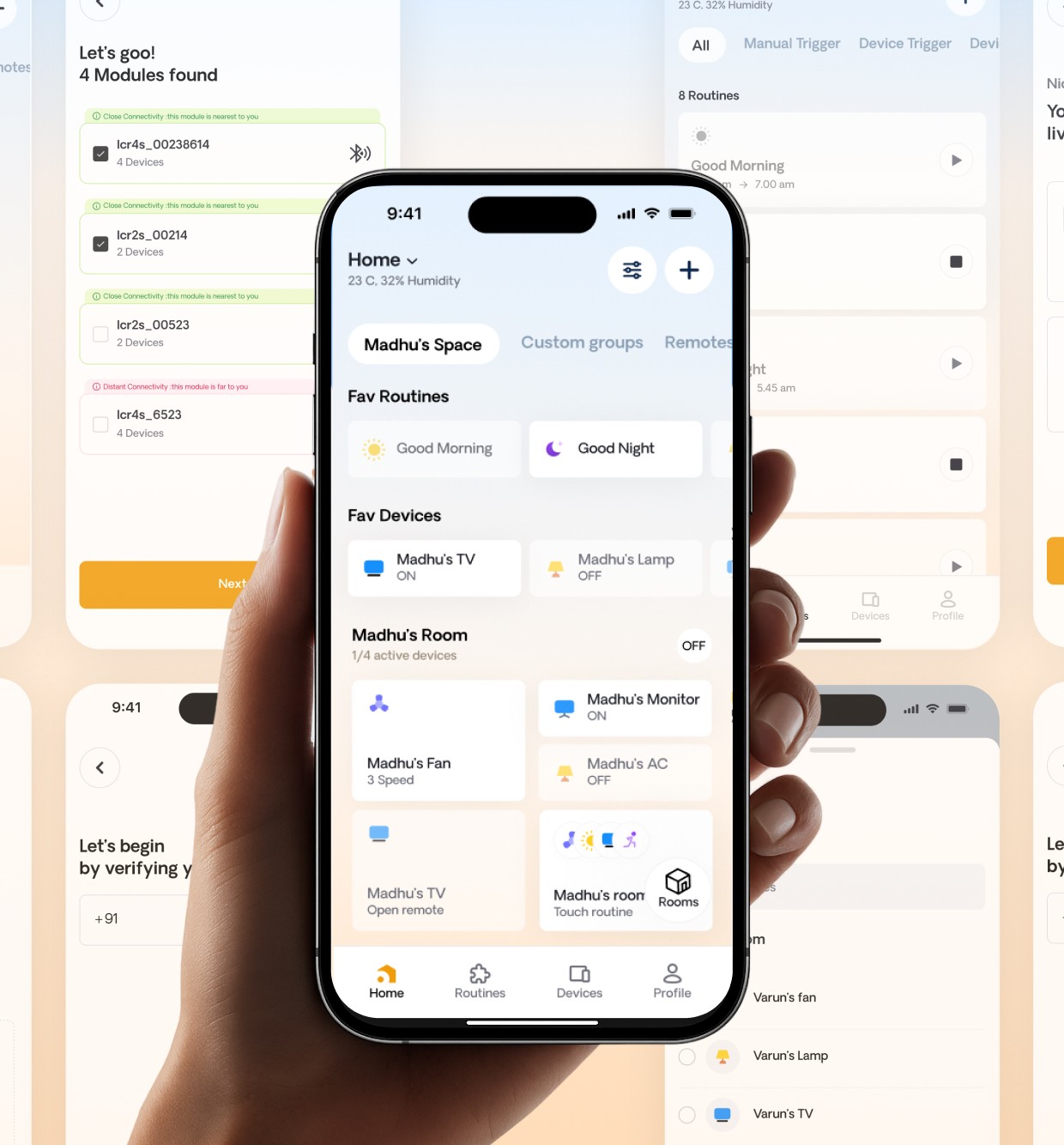
Explore IoT Casa’s everyday control flows as a context for timely device feedback.
CONNECT THE IDEAS
Keep exploring