Aesthetic-Usability Effect

A polished appearance can influence how easy a product feels to use.

01 / UNDERSTAND

The idea

A visually pleasing interface can create a favourable first impression that carries into a person’s judgment of usability. People may expect a coherent, carefully presented product to work well before they have completed a meaningful task. That expectation is different from evidence that the task is actually easy.

Treat visual craft as part of the experience: typography, alignment, imagery and consistent controls all help establish a coherent impression. Then evaluate the underlying work separately. Ask people to complete realistic tasks and observe errors, hesitation and recovery. Someone can like an interface and still struggle to finish. The useful question is whether appearance supports understanding or merely makes friction less obvious.

02 / RECOGNISE

See it in real products.

Examples of how the principle can appear in an interface.

AppleEXAMPLE 01

Let the artwork set the tone without hiding playback

Apple Music gives album artwork a prominent place on its Now Playing screen, while keeping the song title and playback controls in a clear arrangement. The presentation is an example of visual craft around a practical task. Test whether listeners can still find volume, queue and playback actions; attractive artwork alone does not demonstrate usability.

Apple · Interface exampleProduct reference
SlackEXAMPLE 02

Give a complex workspace a coherent visual home

Slack’s redesign gives its navigation, sidebar and conversation area a coherent visual treatment. That polish can influence an initial impression. Check whether people can find and answer a conversation successfully before treating the cleaner appearance as evidence of easier use.

Slack · Published product walkthroughProduct reference

03 / CONNECT

Why it matters.

A positive first impression may encourage exploration. Compare perceived ease with completion, errors and comprehension before drawing conclusions.

Possible influences to investigate, rather than guaranteed outcomes for every product.

04 / APPLY

Put it into practice.

  1. 01

    Use a consistent visual language around the core task

  2. 02

    Measure task success separately from visual preference

  3. 03

    Investigate positive ratings alongside observed difficulty

05 / EXPLORE WITH UPSLIDE

Apply it with Upslide.

Use a practical guide, read a deeper explanation, or examine a related Upslide project.

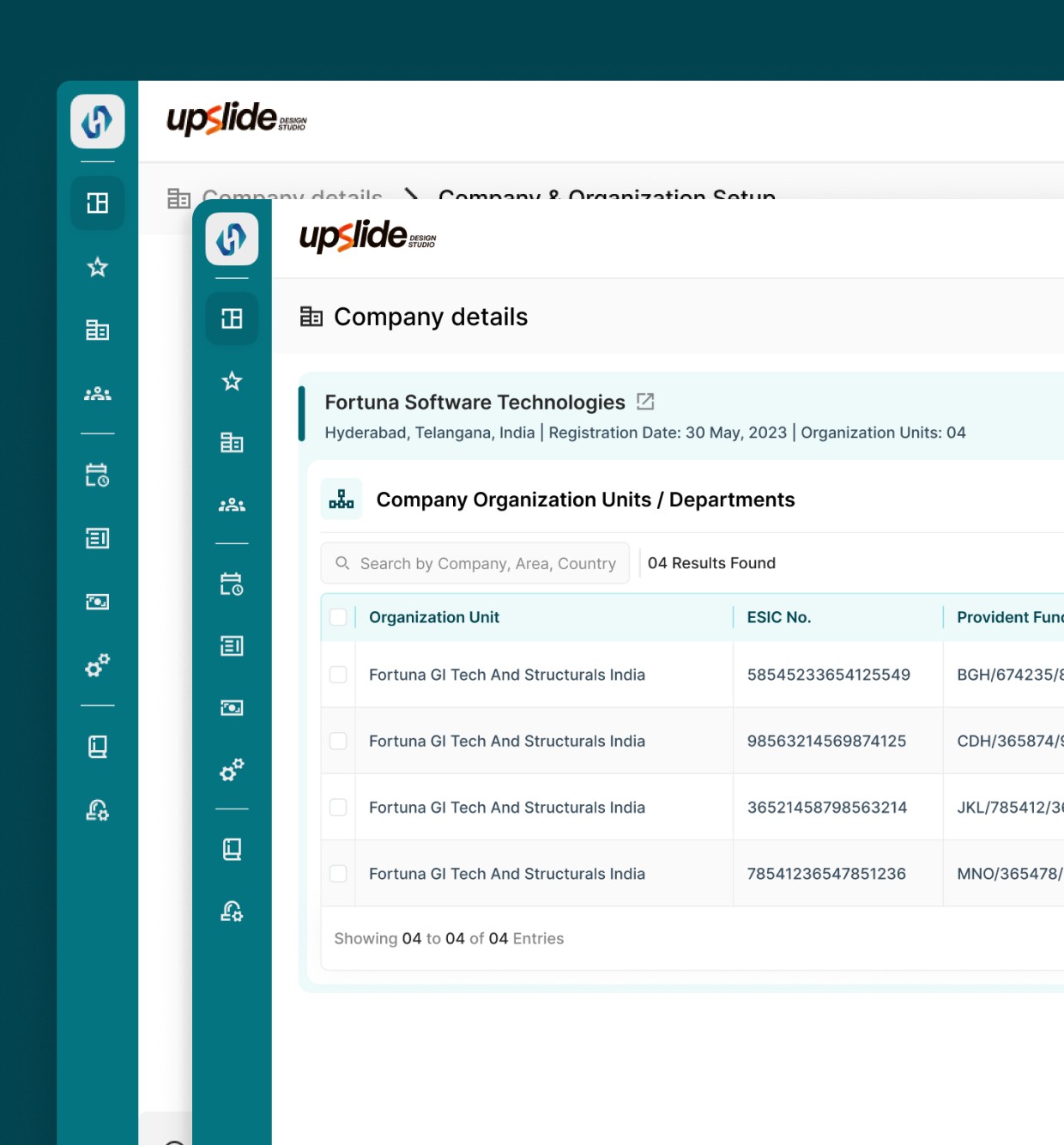
Compare SARVHR’s interface treatment and workflow structure; assess appearance separately from task success.

Explore HR Software UX

Keep exploring

70 PRINCIPLES TO EXPLORE

The UX glossary

Current principle: 1 of 70 · Alphabetical order

THE UX GLOSSARY

Find your next idea.

PASS THE IDEA ALONG

Share this page

LinkedIn WhatsApp Email

UPSLIDE DESIGN STUDIO

Watch the explainer

Playback unavailable? Watch on YouTube ↗

SHARE WHAT YOU NOTICED

Contribute an example.

Share a screenshot and a few words. We’ll review it before publishing.

Add links or contact details (optional)

Reviewed by the Upslide team.