PelotonEXAMPLE 01


Offer a reminder tied to unfinished work
Peloton asks whether someone wants to return to an interrupted workout. The reminder is connected to an activity they already chose and remains optional.
Let people shape the reminders they receive.
01 / UNDERSTAND
A reminder that someone deliberately creates can fit their goal and context better than an arbitrary system prompt. Give people control over the event, timing and channel. Measure whether reminders support useful action rather than simply generating opens.
A reminder someone deliberately creates is connected to their own intention. Its timing and purpose may fit them better than a system-chosen prompt. The design opportunity is to make setting, changing and pausing reminders straightforward. An earlier preference should not become an excuse for indefinite unwanted notifications.
02 / RECOGNISE
Examples of how the principle can appear in an interface.
Peloton asks whether someone wants to return to an interrupted workout. The reminder is connected to an activity they already chose and remains optional.
Uptime offers control over the arrival of streak reminders. The trigger can be aligned with the learner’s routine rather than a single default time for everyone.
A weather app’s alert choices illustrate how letting people select a useful reminder changes the notification conversation.
03 / CONNECT
A chosen reminder may be more relevant to the user’s goal and routine. Keep its timing, frequency and cancellation under their control as needs change.
Possible influences to investigate, rather than guaranteed outcomes for every product.
04 / APPLY
Ask for a meaningful trigger
Make timing and frequency editable
Provide a clear way to pause reminders
05 / EXPLORE WITH UPSLIDE
Use a practical guide, read a deeper explanation.
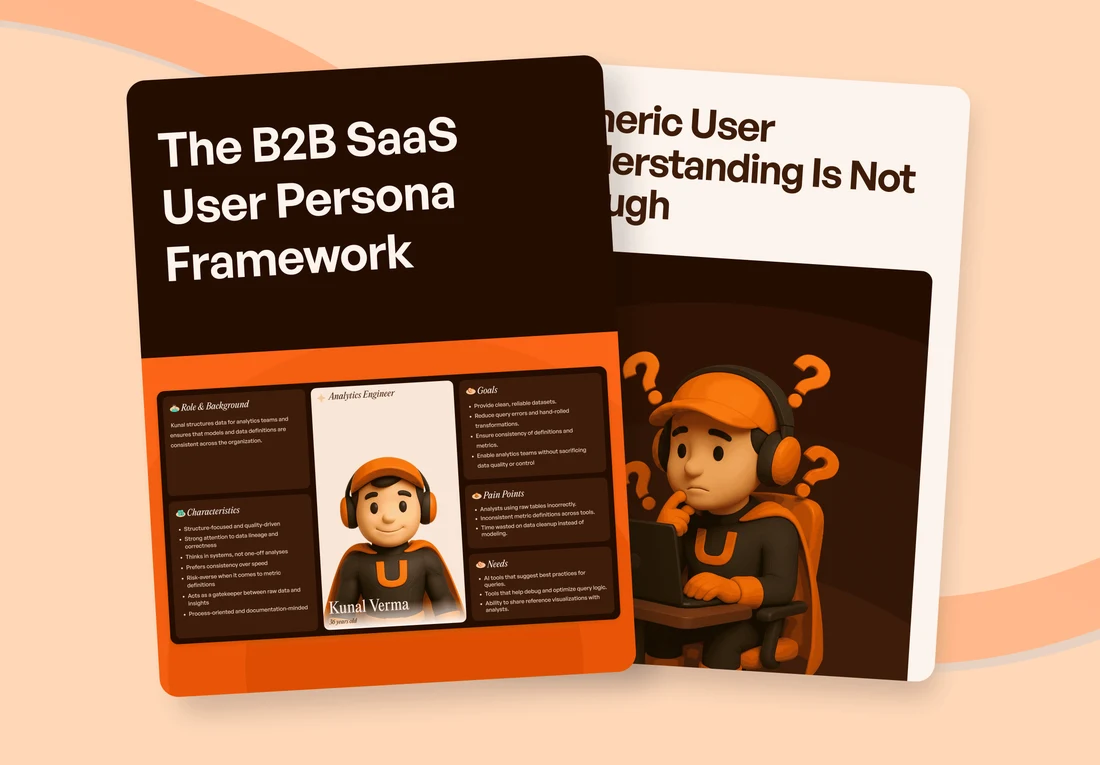
Design reminders around the schedule and work context the person chooses.

Compare product interactions with testable psychological interpretations and their limits.
CONNECT THE IDEAS
Keep exploring
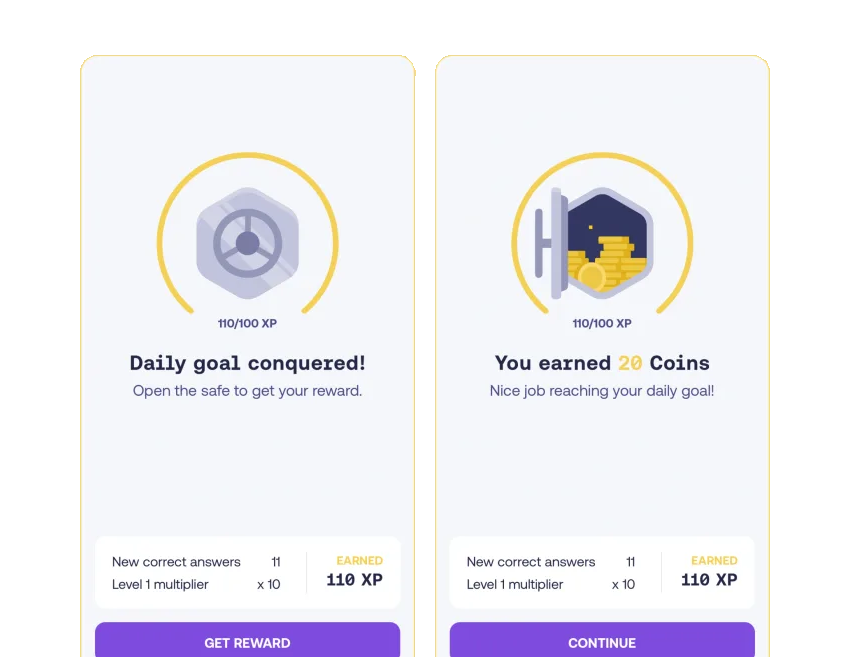
Unpredictable outcomes can sustain repeated checking.